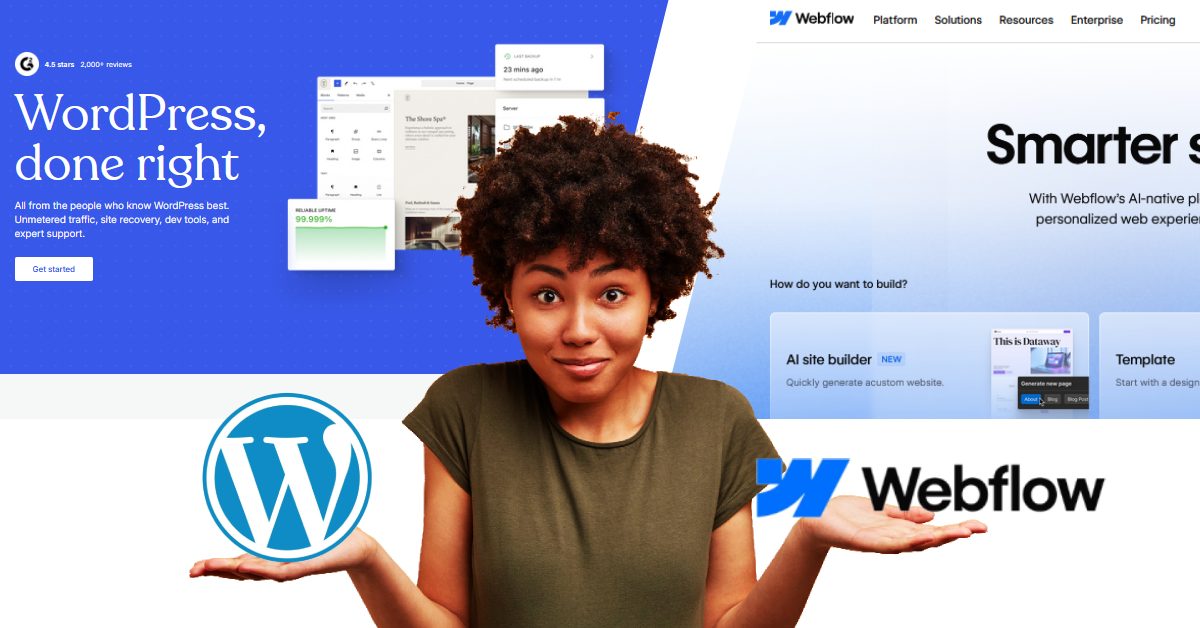
Webflow vs. WordPress in 2026: Which One Actually Builds the Better Website?
Picture this. You’re finally ready to build that website you’ve been dreaming about. You’ve got your coffee, your ideas, and maybe even a Pinterest board full of sleek, modern designs. Then—bam—you hit the wall. Should you build it on Webflow or WordPress?
It’s the classic tech showdown, like choosing between PC and Mac. On one side, you have WordPress, the veteran that powers a massive chunk of the internet. On the other, you have Webflow, the slick, no-code challenger that’s all about design freedom.
But here’s the thing: the web moves fast. What was true two years ago might be outdated today. In 2026, both platforms have evolved. WordPress is getting cozy with AI and real-time collaboration, while Webflow is pushing the boundaries of visual development.
So, which one is right for you? Let’s cut through the noise and find out.
The Big Picture: What’s Changed by 2026?
Before we dive into the nitty-gritty, it’s worth noting the landscape. WordPress isn't just a blogging platform anymore; it's a full-fledged content management system (CMS) with full-site editing that lets you design with blocks. Webflow isn't just a design toy; it's a robust platform capable of handling complex, dynamic sites with features like Logic and Memberships.
WordPress currently powers about 43% of all websites, making it the undisputed king of market share. Webflow, while smaller, is the fast-rising star, especially among designers and agencies who value pixel-perfect control.
Round 1: Ease of Use – The "Get It Done" Factor
WordPress: The Powerful Engine You Have to Learn to Drive
WordPress is like owning a high-performance race car. It’s insanely powerful, but if you don’t know what you’re doing, you might spend more time under the hood than on the road. The classic WordPress experience involves choosing a host, installing themes, and hunting for just the right plugins to add features like contact forms or SEO. It has a learning curve. However, the massive community means that if you have a question, chances are, someone has already answered it on a forum somewhere.
Webflow: The Intuitive Design Playground
Webflow feels more like playing The Sims, but instead of building a house, you're building a website. You drag, drop, and customize everything in real time. It’s a visual canvas that feels familiar to anyone who has used design tools like Figma or Canva. Plus, it’s an all-in-one platform—hosting is built-in, so you don't have to worry about servers or security updates.
Winner: Webflow. For a beginner or a solo creator who just wants a stunning site without the technical headache, Webflow is the clear winner.
Round 2: Design & Customization – Control vs. Flexibility
WordPress: The "You Can Build Anything" (But Might Break It) Approach
WordPress is the Swiss Army knife of the internet. Thanks to its massive ecosystem of over 60,000 plugins and thousands of themes, you can build almost anything—a blog, a social network, a full-scale online store with WooCommerce, or even a site that mimics Netflix. The flexibility is unmatched. But with great power comes great responsibility. Too many plugins can make your site slow and bloated, and sometimes an update can cause plugins to clash, breaking your site overnight.
Webflow: The "Pixel-Perfect" Dream
If WordPress is a buffet, Webflow is a private dining experience curated by a designer. You have total creative control over every element. You can build a site from scratch, pixel by pixel, without touching a line of code. It’s perfect for brands and designers who want a unique, visually stunning website. However, it doesn’t have a massive plugin marketplace. If you need a super specific, niche feature, you might need a developer to build it for you.
Winner: It’s a Tie. If you need deep functionality and complex backend features (like a massive membership site), WordPress is the king. If you want visual fidelity and a hassle-free design process, Webflow is your future.
Round 3: Performance & Speed , Who Loads Faster?
Nobody likes a slow website. If a page takes more than three seconds to load, your visitors are gone.
WordPress: Fast, If You Put in the Work
A default WordPress site is like an old car—it needs tuning to run smoothly. To make it fast, you need to choose a quality host (like Kinsta or WP Engine), install caching plugins, optimize your images, and use a CDN (Content Delivery Network). It can be super fast, but it requires effort and ongoing maintenance.
Webflow: Speed Out of the Box
Webflow is built for performance from the ground up. It’s hosted on the robust Amazon Web Services (AWS) infrastructure and comes with a built-in CDN, meaning your site is served from servers all around the world for lightning-fast load times. It automatically compresses images and minifies code. You don't have to mess with plugins or caching—it just works.
Winner: Webflow. For most users, Webflow delivers excellent speed with zero extra effort.
Round 4: SEO – Who Ranks Higher on Google?
WordPress: The SEO Powerhouse (with Plugins)
WordPress is widely regarded as excellent for SEO, especially if you use plugins like Yoast or RankMath. These tools give you full control over meta titles, descriptions, structured data, and XML sitemaps. If you want to fine-tune every single technical aspect of your SEO, WordPress is your best friend.
Webflow: Clean and Native SEO
Webflow has robust SEO tools baked right in. You don't need a plugin to edit your alt text, meta descriptions, or URL slugs. It automatically generates sitemaps and is optimized for search engines by default. Because it’s so fast, it also nails the Core Web Vitals that Google cares about.
Winner: Tie. WordPress offers more advanced control via plugins, but Webflow gives you 90% of that power without the extra bloat.
Round 5: The Price Tag – What Will It Actually Cost?
This is where things get interesting.
WordPress: "Free" Software, but with Hidden Costs
The WordPress software itself is free. However, you have to pay for hosting (anywhere from $5 to $30+ per month), a domain name, premium themes, and essential plugins. If you’re not technical, you might also need to pay a developer for maintenance or customizations. It can be cheap to start, but costs can add up as your site grows.
Webflow: All-In-One Subscription
Webflow has a clear, transparent pricing model. Everything is bundled together. You pay a monthly fee that includes hosting, security, and the CMS. Basic sites start around $14-$18 per month, with more advanced plans for e-commerce or high-traffic sites. It’s often more expensive upfront, but more predictable.
Winner: WordPress (if you’re on a shoestring budget and can DIY). Winner: Webflow (if you value simplicity and predictable costs).
The Final Bell: Which One Do You Pick in 2026?
At the end of the day, it’s not about which platform is "better," but which is better for you.
Choose WordPress if:
- Content is your king. You’re building a massive blog, a news site, or a complex directory with thousands of posts.
- You need specific functionality. There’s a plugin for that. If you want to build a membership site, a forum, or a complex online course, WordPress is the safer bet.
- You’re on a tight budget. You can get started for very little money, provided you don’t mind doing the technical work yourself.
- You want total ownership. You can host your site anywhere and you own 100% of your data and code.
Choose Webflow if:
- Design is your top priority. You want a pixel-perfect, visually stunning site with smooth animations, and you don’t want to fight with clunky templates.
- You hate maintenance. You don’t want to think about updates, security patches, or slow hosting. You just want your site to be online and fast.
- You’re a designer or an agency. The visual-first approach and real-time collaboration tools make it a dream for teams.
- You’re building a marketing site. For SaaS landing pages, portfolios, and corporate brochures, Webflow is the gold standard.
Personally, I love the design freedom of Webflow. But I also respect the sheer power of WordPress. The right answer is the one that lets you build your dream site without pulling your hair out. And if you're still unsure which overall approach to take, including hosting, themes, and monetization. Our comprehensive guide to blog setup and platform selection covers everything you need to know before making your final decision.
So, what do you value more: the infinite flexibility of WordPress, or the streamlined simplicity of Webflow? Let us know in the comments below.